
Comment GIF Saver & Free Online GIF Tools
Discover, extract, convert, and explore high-quality reaction GIFs. Fast, browser-based media utilities without login or watermarks.
GIF & Media Tools
Free browser-based utilities for creators and meme archiving
GIF Compressor & Resizer
Reduce GIF file size and adjust dimensions without sacrificing animation frame rate or visual quality.
GIF Speed & Reverse
Speed up, slow down, or reverse the playback order of any GIF to create hilarious rewind effects.
Trending GIFs
Top viral reaction stickers and memes trending across comments










Popular GIF Names & Search Keywords
Copy exact keywords to quickly find and post these reaction GIFs in comments
Viral Comment Reaction
"instagram viral reaction"
Barney Cut Cut What The Hell Was That
"cut cut"
Barney Cut Cut This Is Perfect
"cut cut"
Zootopia Nick Wilde Hold Up What
"zootopia"
Spanky Tapping Fingers Waiting
"boring waiting"
Rumpelstiltskin Tiptoeing in My Jordans
"tiptoeing in my jordan"
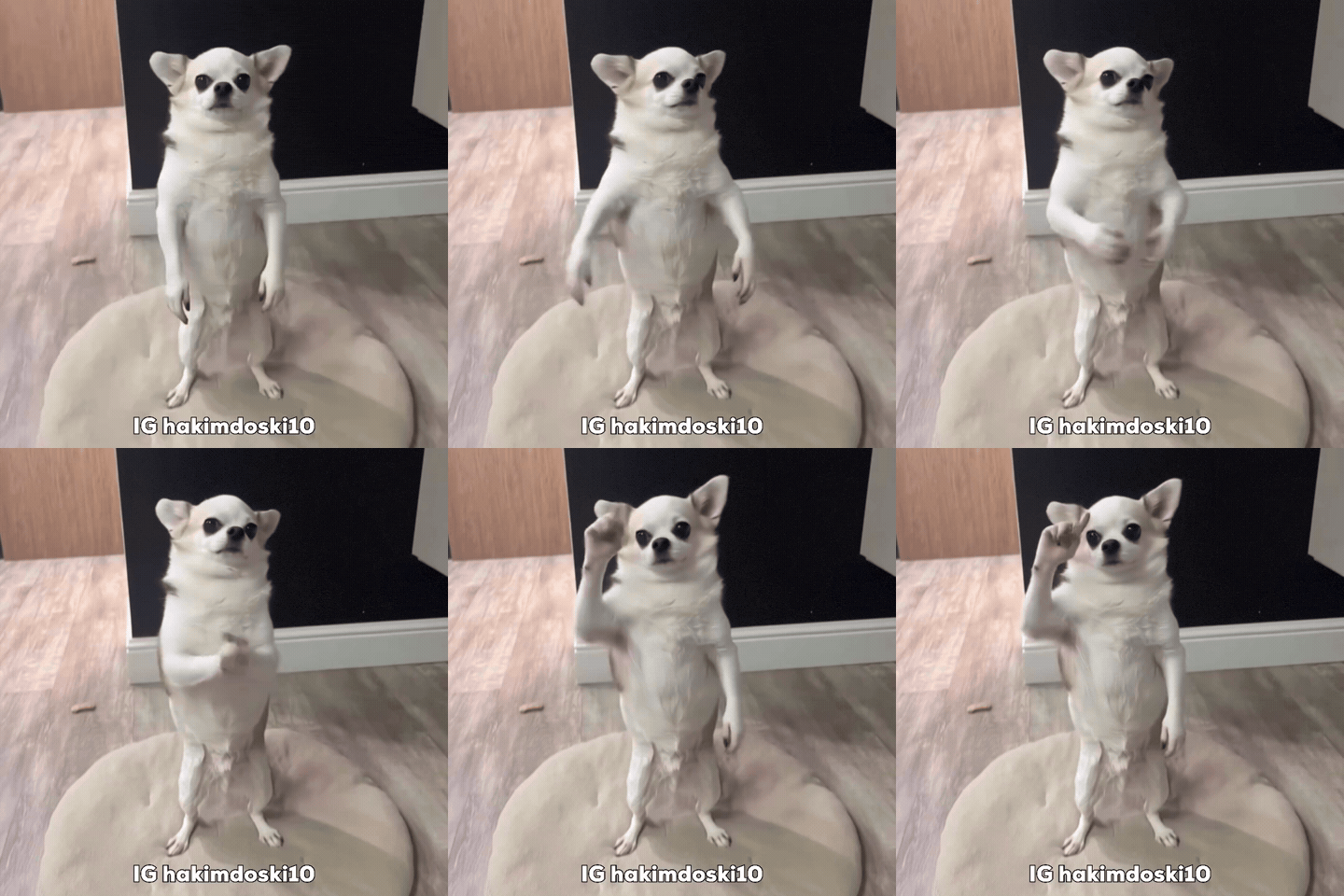
AI Dog Clapping Meme
"dog clapping"
Cat Clapping Hands
"clapping cat"
Frequently Asked Questions
Quick answers to common questions about saving, finding, and using comment GIFs
Q: How to copy a GIF from an Instagram comment?
To copy a GIF from an Instagram comment: 1. Copy the Instagram post or Reel link from the share menu. 2. Open InstantGif and paste the link into Comment GIF Saver. 3. Tap Fetch Media. Once the GIF appears, you can copy its search keyword to find it in any comment bar, copy the direct link, or tap Download to save it to your device.
Q: Can I save a GIF from Instagram comments?
Yes, you can save reaction GIFs from public Instagram comments using InstantGif. Because the mobile app does not include a built-in save button for comment stickers, copy the public post or Reel link, paste it into InstantGif, and tap Fetch Media to preview the attached GIPHY reaction and save it as a GIF or MP4.
Q: How to find and save reaction GIFs from Instagram comments?
1. Copy the share link of any public post or Reel that has reaction GIFs in the comments, or search our Find GIF Name directory. 2. Open InstantGif.com and paste the link into the search box. 3. Tap Fetch Media to inspect the reaction GIF name and download the animation.
Q: How do I find the name of a GIF in Instagram comments?
To find the exact name or search keyword of a GIF you saw in Instagram comments, paste the post link into InstantGif to view its title and tags. You can also search our 'Find GIF Name' directory by character or scene (like 'side eye monkey' or 'roll safe') to copy the exact GIPHY keyword.
Q: How do I save a downloaded GIF to my phone or computer?
On Android and PC, tapping Download saves the GIF directly to your Downloads folder. On iPhone Safari, tap Download, open Safari's Downloads list, tap the file, tap the Share icon, and choose 'Save Image' to store it in your Photos camera roll.
Q: How do I get a GIF on Instagram comments?
To post a GIF in Instagram comments: open any post or Reel, tap the comment input bar, tap the 'GIF' button on the right, search for your reaction using GIPHY, and tap the GIF to post your reply.
Q: Can I upload a saved GIF back to Instagram?
Instagram does not support posting raw .gif files directly to feeds or Stories. Use InstantGif's free GIF to MP4 Converter to turn any GIF into a high-quality H.264 MP4 video, which Instagram natively accepts for Stories, Reels, or grid posts.
Q: Can I save GIFs and images from other posts and discussion threads?
Yes. InstantGif Comment GIF Saver works with public posts, video reels, and discussion threads. Simply paste the public link into the search box to extract animated GIF reactions and comment photos — no login required.